
Prepare the search
Begin with a known or suspected quarry, its environment and the party’s objective. Build a brief, signs, trail beats, complications, preparation choices and a suggested approach.
Encounters & challenges
Evidence to follow.
A trail to prepare.
An approach to choose.
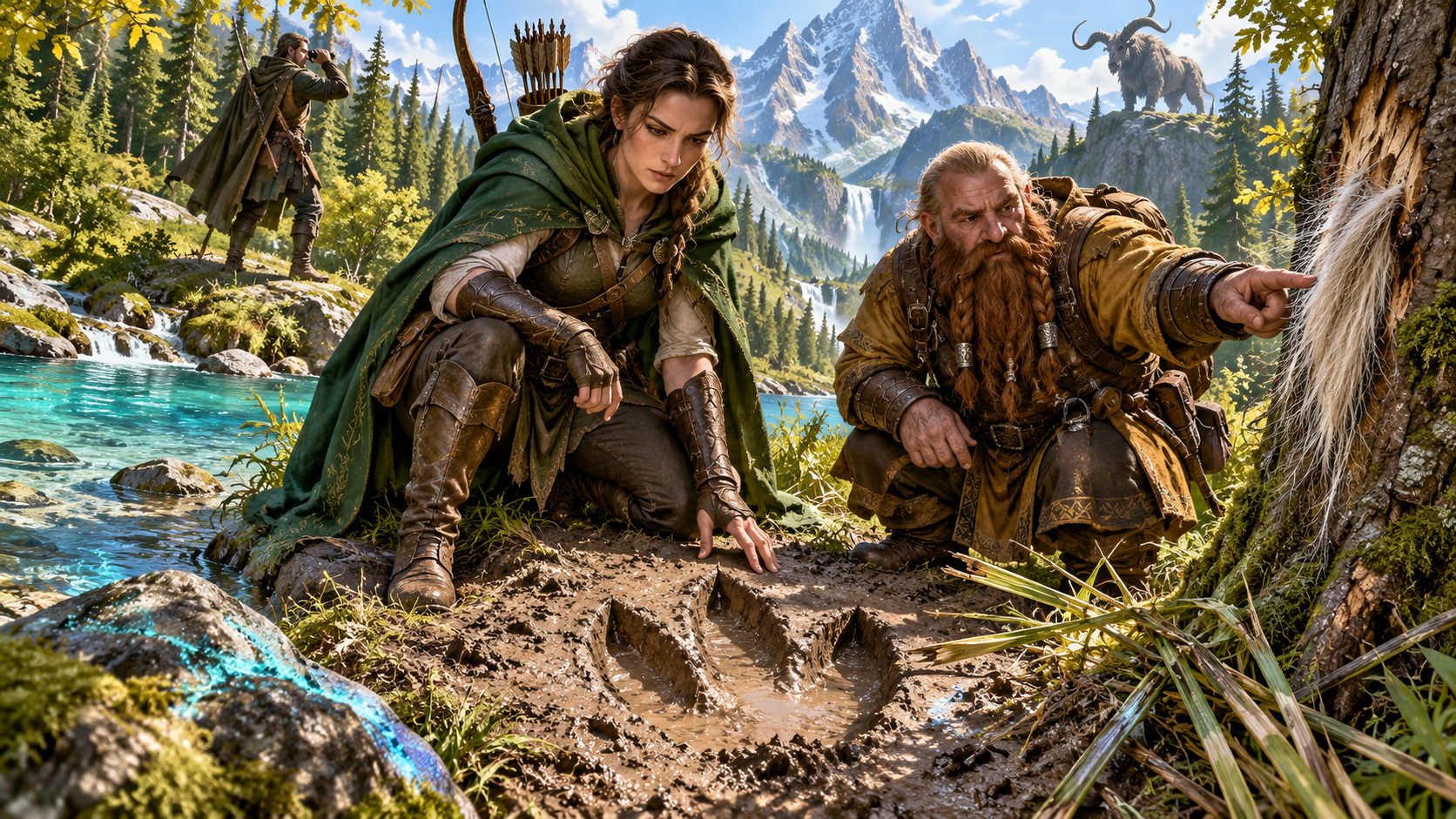
A hunt to prepare and run
Connect signs, locations, pressure and preparation in a written reference.
Begin with a known or suspected quarry, its environment and the party’s objective. Build a brief, signs, trail beats, complications, preparation choices and a suggested approach.
Review clues, location references and approach notes for the chosen creature, terrain and objective. Decide how the party’s pursuit unfolds through play.
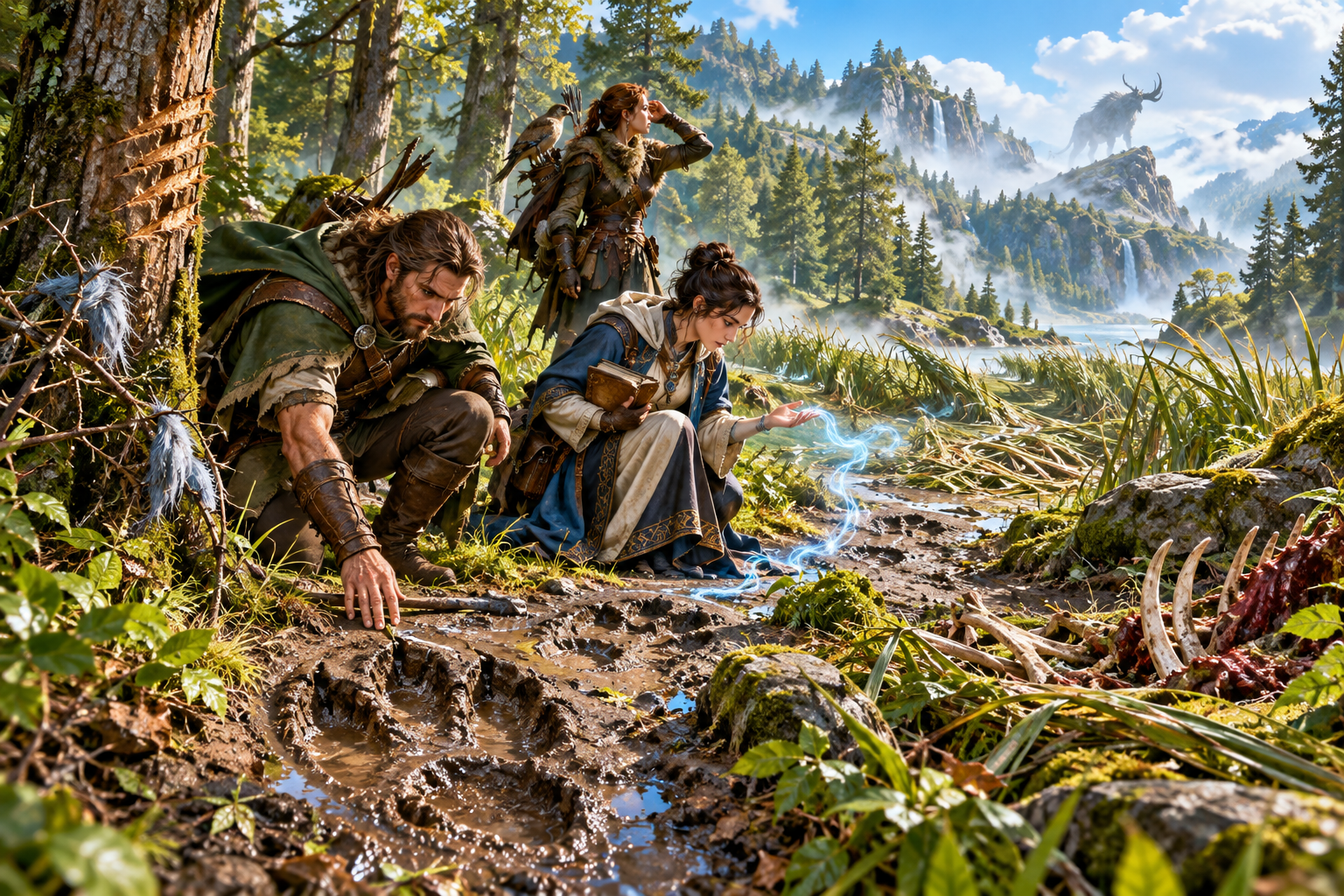
Evidence in the landscape
Hunters study footprints, shed hair, gouged bark, prey remains and a blue magical trace beside a forest stream. A lookout watches the distant horned quarry.
Prepare tracks, feeding signs, territorial marks and magical traces together. Review true and false signs, weather and other complications as clues to your quarry.
What you can create
Keep the written hunt and the final approach connected.
Describe the quarry’s name, type, size, intelligence, movement, habitat and threat. Prepare the search around the creature information you supply.
Bring tracks, feeding signs, territorial marks and magical traces into a written sign library. Review each clue for the chosen creature, terrain and objective.
Prepare a suggested trail with location nodes and evidence to interpret. Review how clues connect the locations and adapt the route to your party’s plans.
Include true and false signs and tracking states. Give the party evidence to consider while keeping private trail truth in the Dungeon Master material.
Use weather, rivals, wounds, nesting, changing routes, time pressure and endangered people as context. Review their place in the hunt as you prepare it.
Prepare a generated awareness progression and counter-tracking at higher values. Use the written reference while you decide how pursuit unfolds through play.
Provide preparation opportunities and final approach options. Review the chosen confrontation outline alongside the party’s objective and plans.
Adapt the dossier in the JSON editor, undo or redo changes, and separately rebuild signs, trail, pressure or approach. Compare rebuilt and retained sections before use.
Save hunts, tags and owner notes to your account. Search, rename, duplicate or delete records and reopen prior hunt versions with their recorded locks and notes.
Copy or download the hunt or player clue sheet as JSON and print the current view. Review the player sheet and update it after manual changes before sharing.
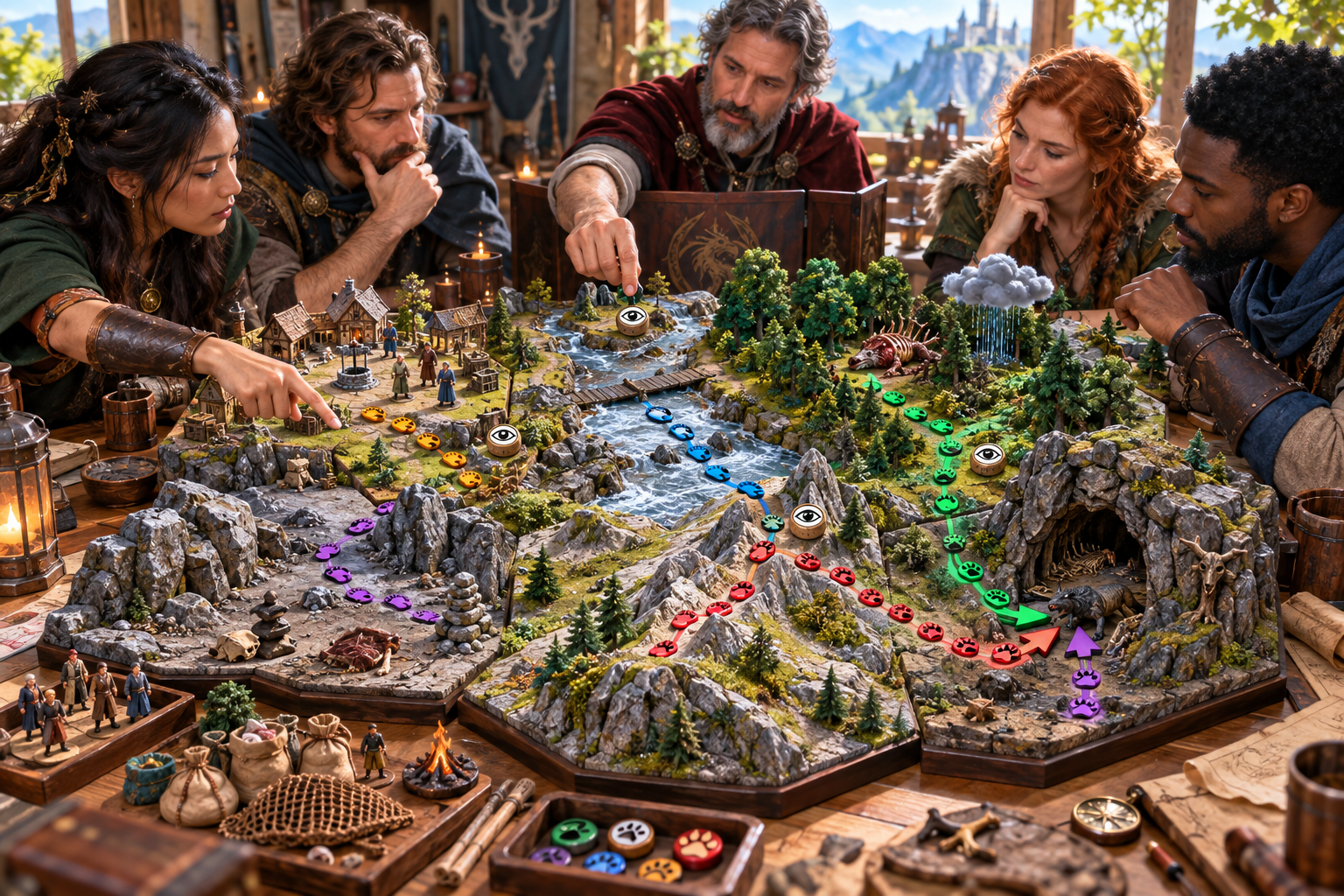
Develop the trail
A Dungeon Master and players examine a model trail with coloured track markers, awareness markers, weather, prey remains, routes and a lair.
Choose quarry details, environment, party tier, hunt length, starting awareness, objective and three to six beats. Generate the dossier, review the evidence and locations, then adapt it in the JSON editor.
Quick or detailed preparation
Use quarry context to prepare the reference your table needs.
Supply the quarry’s name, type, size, intelligence, movement, habitat and threat. Set environment, party tier, hunt length, starting awareness, objective and beat count. Add an optional seed.
Provide territory, range, prey, feeding, terrain, weather, season, traces, witnesses, bait, scent and stealth notes. Include rivals, wounds, young, changing routes or false signs.
Adapt signs, location references and the approach to the creature and objective. Awareness follows a generated progression; you decide how it applies as players act.
Rebuild signs, trail, pressure or approach separately. Use the matching section locks, compare retained edits and reconcile clues, locations, awareness and confrontation notes.
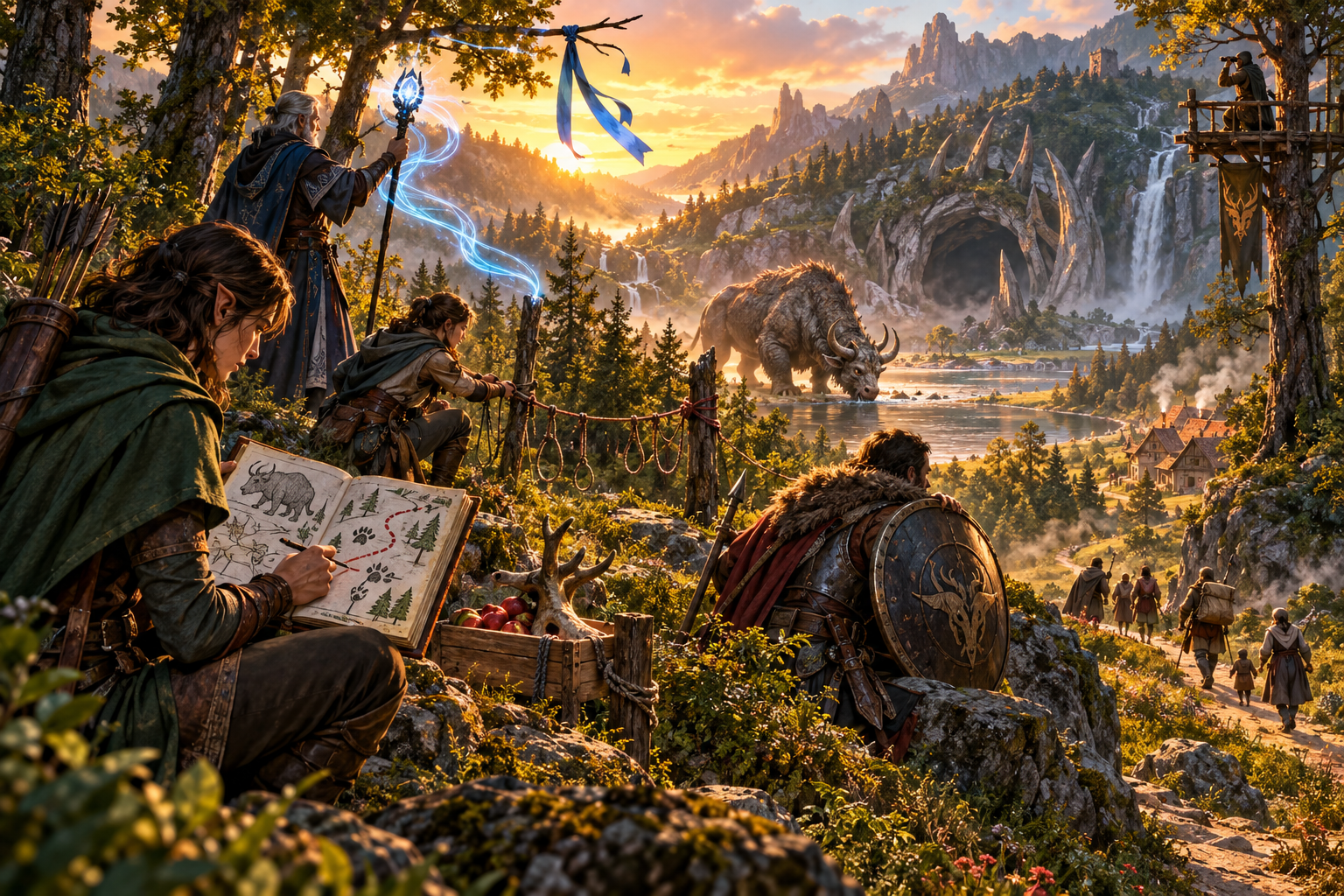
Choose the final approach
Hunters study a route and prepare ropes, bait and a magical signal above a valley. A horned quarry stands near water and a cave as people leave the nearby settlement.
Review the approach and chosen confrontation notes for the objective, location and preparation conditions. Use them to prepare an encounter manually when your table reaches it.
Keep the hunt and sharing views
Save versions, adapt sections and review the player clues.
Save hunts, tags and owner notes. Search, rename, duplicate or delete records and reopen prior hunt versions. Recorded locks, tags and notes return with the dossier.
Use the JSON editor with undo and redo. Matching selective rebuilds respect four lock groups; whole-hunt generation replaces all sections. Reconcile new sections with retained edits.
Copy or download Dungeon Master material or the player clue sheet as JSON, and print the current view. The player sheet includes every generated beat and clue, so choose what your party should see.
The sheet omits private trail truth and awareness values. Selective rebuilds generate it from current controls; compare retained edits and update it after manual changes.
Your workspace and related products
Open VISINVOKE products through your account.

Open Monster Hunt & Tracking in the Generators collection of your signed-in desktop workspace. Keep signs, trail, approach choices, editing, saved versions and exports together.
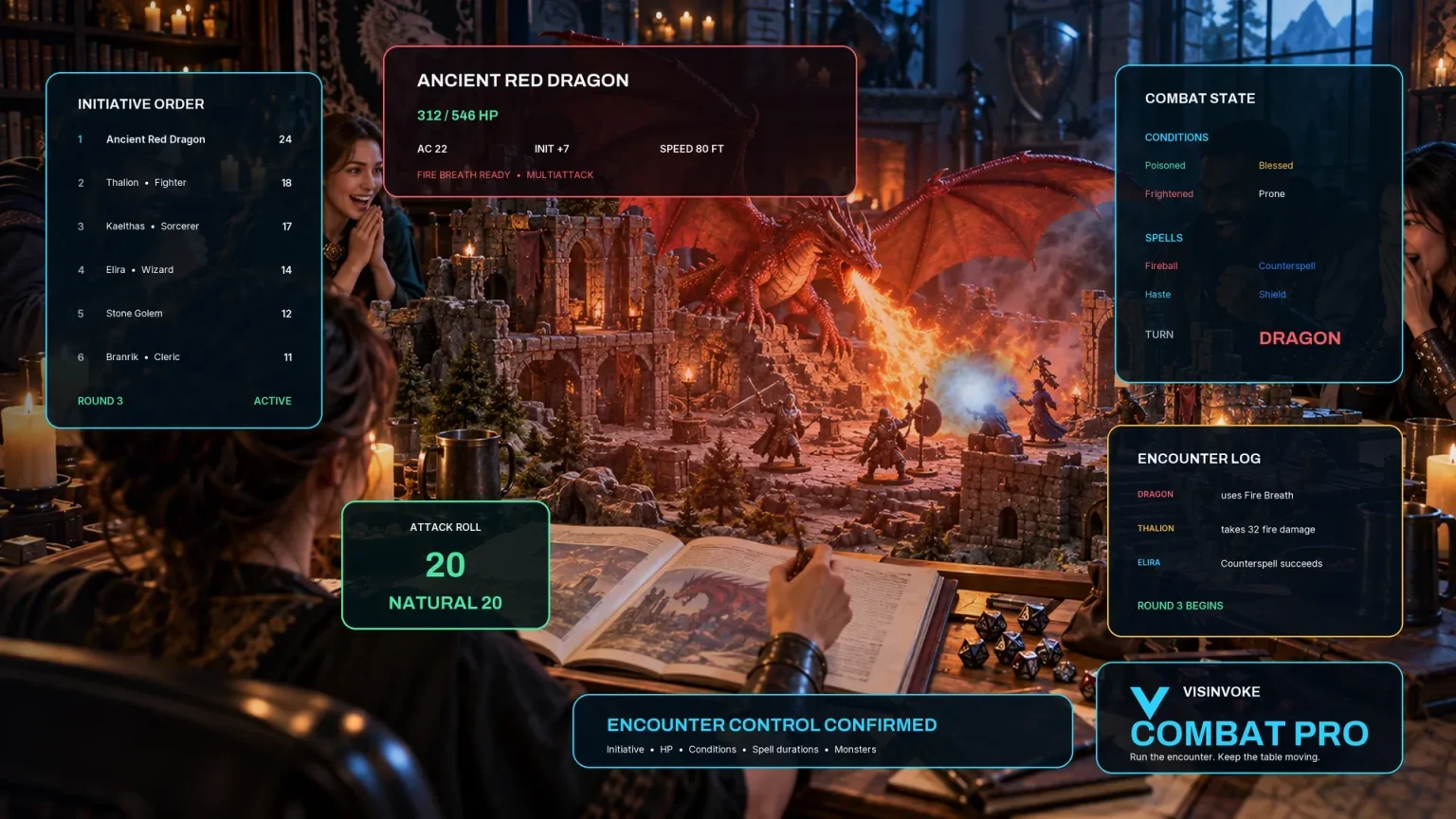
Use the separate encounter workspace to prepare combat manually from the dossier’s confrontation notes. The hunt outline records an objective, broad location, preparation conditions and a quarry reference.
Images are product illustrations. Creature design, combat tactics, regional setting and general travel can be prepared with their dedicated tools.
Questions and answers
Quarry, preparation, editing, player clues and account access at a glance.
A written hunt brief and quarry behaviour, sign library, trail and location path, true and false trails, tracking states, complications, preparation opportunities, awareness progression, final approaches, chosen confrontation outline and player clue sheet.
Enter quarry details, then choose environment, party tier, hunt length, starting awareness, objective and three to six beats. Add an optional seed and generate the hunt. Quick mode retains advanced settings. Review the trail length, references and approach for your party.
Provide context about territory, range, prey, feeding, terrain, weather, season, traces, witnesses, bait, scent and stealth. Choose complications including rivals, wounds, young, changing routes and false signs. Review and adapt the generated signs, locations and final approach for your chosen quarry.
Edit the dossier as JSON and use undo and redo. Locks protect four groups against their matching selective rebuilds; generating a whole hunt replaces every section. Saved hunts restore recorded locks, tags and notes rather than input controls. Review retained edits alongside each rebuild.
The sheet omits private trail truth and awareness values, but includes every generated beat and clue. Select what is appropriate for your table; it does not track discovered clues. Selective rebuilds regenerate the sheet from current controls, so compare retained edits and update it after manual changes.
Create a free VISINVOKE account or sign in, get Desktop Control Centre through your account installer page and open the Generators collection. View current subscription details in your account. Use the dossier’s optional confrontation notes to prepare an encounter manually in Combat PRO; the outline contains no creature statistics, map or live combat state.
Continue in VISINVOKE
Create a free VISINVOKE account or sign in to your existing account. Get Desktop Control Centre through your account installer page.
Open Monster Hunt & Tracking in the Generators collection. View current subscription details in your account.